Verified client distribution
Download Avaris
Only an active signed release whose public bytes match the published size and SHA-256 is offered here.
Verified Client
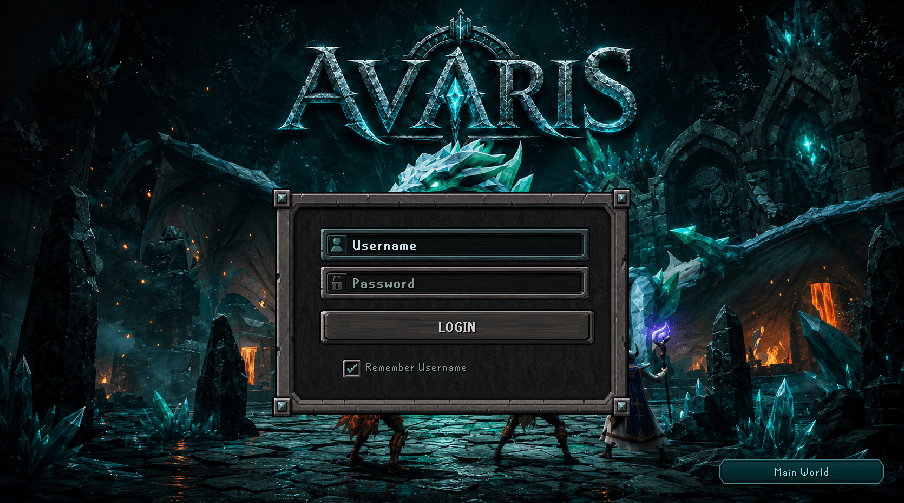

No verified public release is available.
The download stays hidden until a signed manifest, immutable HTTPS artifact, exact byte size, checksum, and changelog all pass verification.
Installation
- Use the verified download above only when its version, file size, and checksum are visible.
- Keep the artifact under its published filename and let the approved Avaris launcher manage it.
- Start Avaris through the launcher so release sequence, compatibility, signature, and checksum checks run first.
- Do not bypass a launcher rejection or substitute a client from chat, direct messages, or mirrors.
Troubleshooting
- Checksum mismatch: delete the incomplete copy and download it again from this page.
- Launcher rejects the release: confirm your clock and network, then reopen the launcher. Never force-start the JAR.
- Client is outdated: close it and relaunch through the approved launcher to obtain the current signed release.
- Still blocked: Open Avaris Discord support and include the displayed version, not account credentials.
Outdated Client Guidance
The launcher is the release authority. If it reports that this client is old, incompatible, expired, or corrupted, stop and let it select the current verified artifact.
Never disable verification, reuse an expired manifest, or copy another player's cached client. Check service status, review the current changelog, or contact Open Avaris Discord support.